Set up
Time to Set Up this Portable Powerhouse!
Watch the video below for a comprehensive guide!

Connection modes
Your keyboard has three modes: Bluetooth, off and wired. You can switch between them using the switch on the left side.
Bluetooth
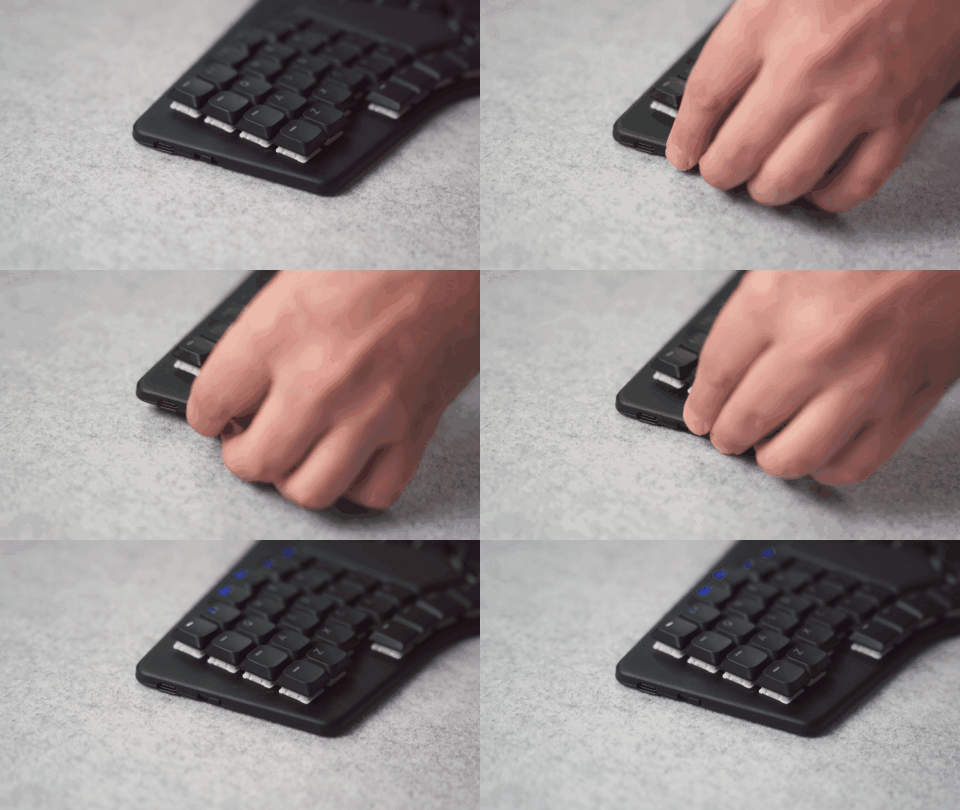
Step 1: Put your Sonsei on BT mode
There's a small switch on the side of the Sonsei. Toggle it down to activate Bluetooth Mode
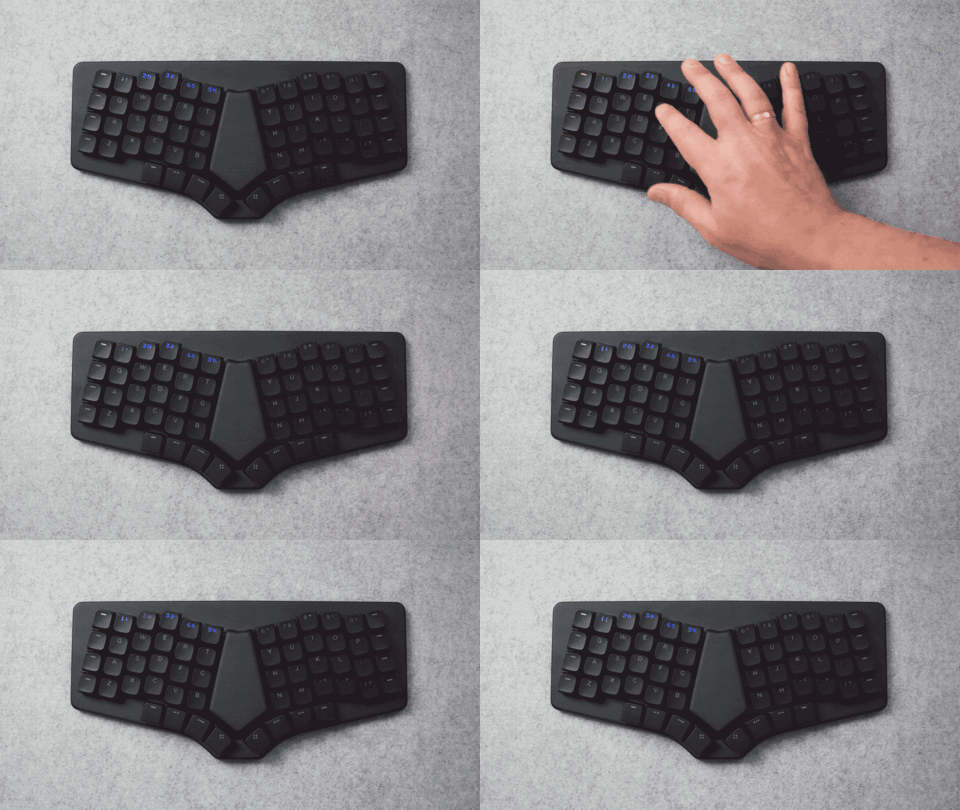
Step 2: Select your BT channel
The Sonsei can pair up to 5 devices. Press a number from 1 through 5 to select the desired channel.
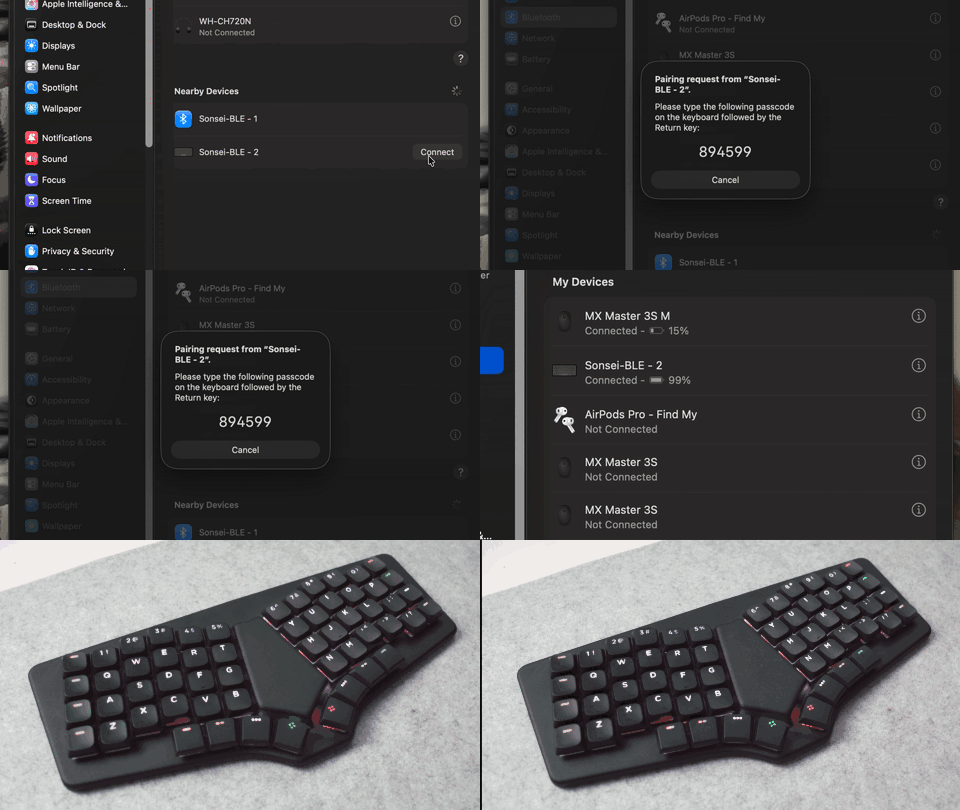
Step 3: Connect and Enjoy!
Your Dygma Sonsei will show up in your Bluetooth Pairing menu
Select it and a number will pop up on the screen. Press those numbers on the keyboard, and you're good to go.
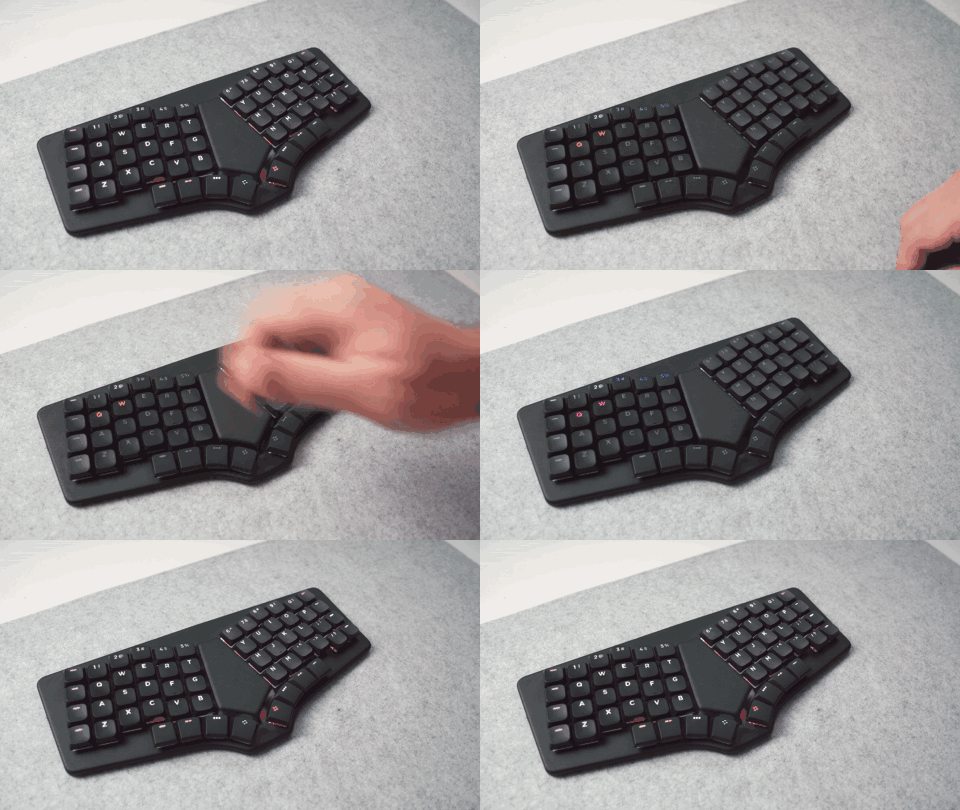
Bonus: How to switch devices
To switch devices, press the BT pairing key on your keyboard (by default, it's thumbkey most to the right) and select the channel you want to connect to.
- Green means active channel
- White means assigned channel
- Blue means available channel
- Holding Red deletes the pairing on that channel
USB
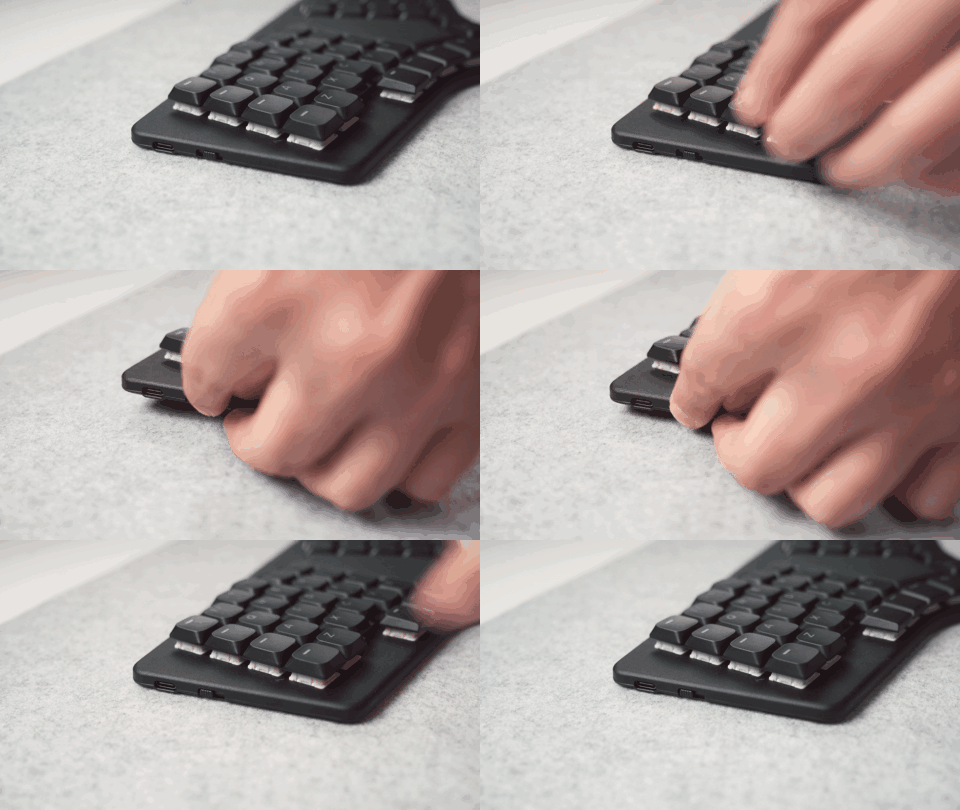
Step 1: Put the Sonsei in USB mode
Toggle the switch on the left side of the keyboard up to activate USB mode
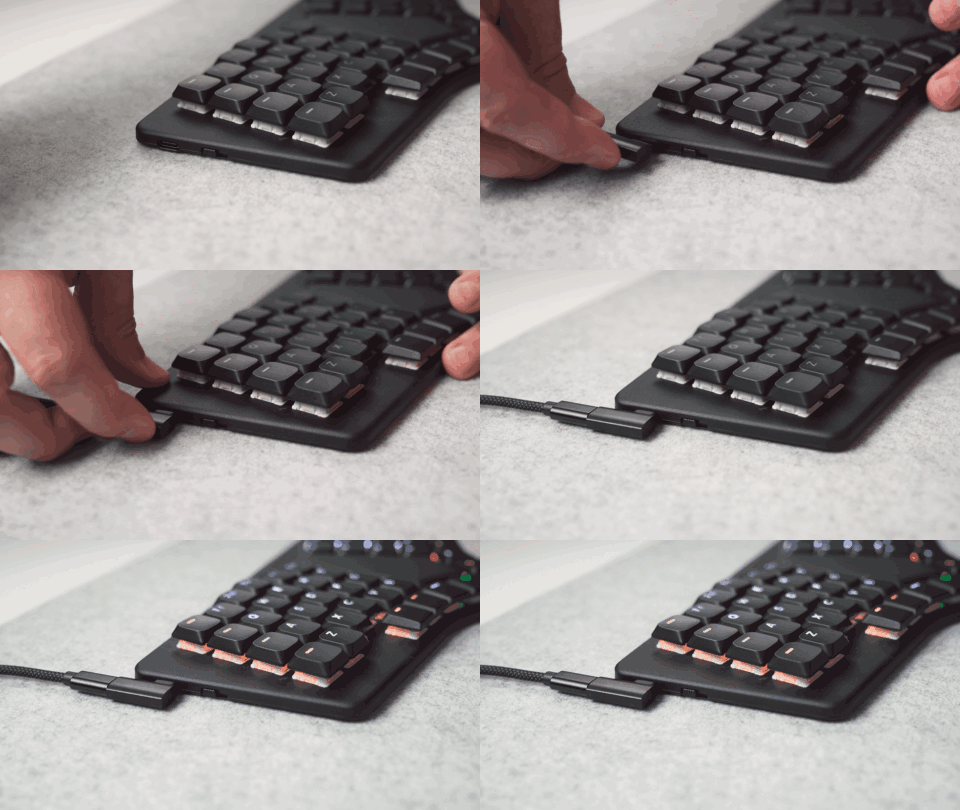
Step 2: Connect to PC
Connect the keyboard to the computer using any of the USB-C to C cables provided. The USB port is on the left side of the keyboard. You can use the 90º adaptor to make the cable go straight up.
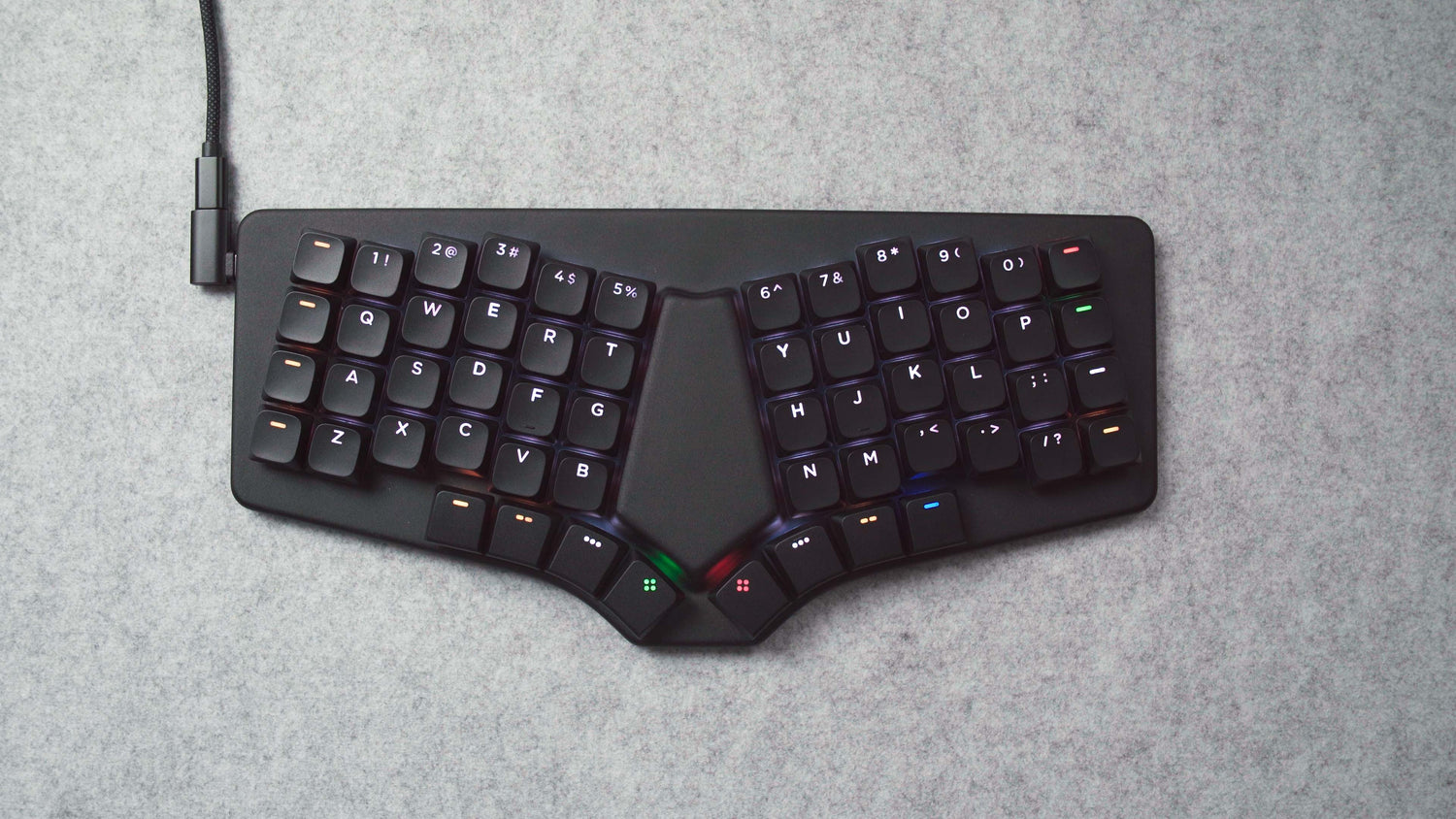
Step 3: It's connected, Enjoy!
It's as easy as plug & play! Now go slay 'em!
OFF
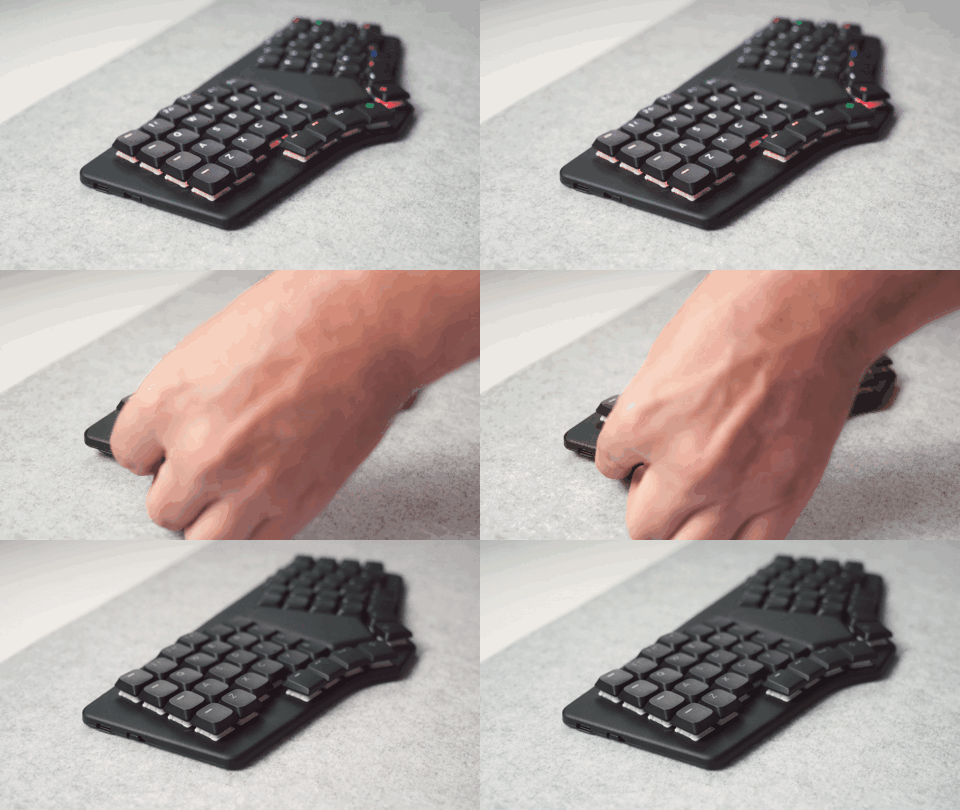
To turn your Dygma Sonsei off, simply place the switch on the left side in the center position.
How to charge your Dygma Sonsei
The Dygma Sonsei has an expected battery life of 40 days without LEDs, and over hours of continuous use at 100% brightness.
Note: in the current firmware version, the battery level will seem to drop fast at first, and then slow down. We're working on it.
You can charge your Dygma Sonsei by plugging it into your computer or any USB charger. It will charge regardless of the mode (BT, OFF or USB).
You can check the battery level while charging on Bazecor or by holding the battery level key (by default, the second thumbkey most to the right)