Customization
Pimp your Sonsei
If you want to take your already cool keyboard to an entirely different level, you've come to the right place.
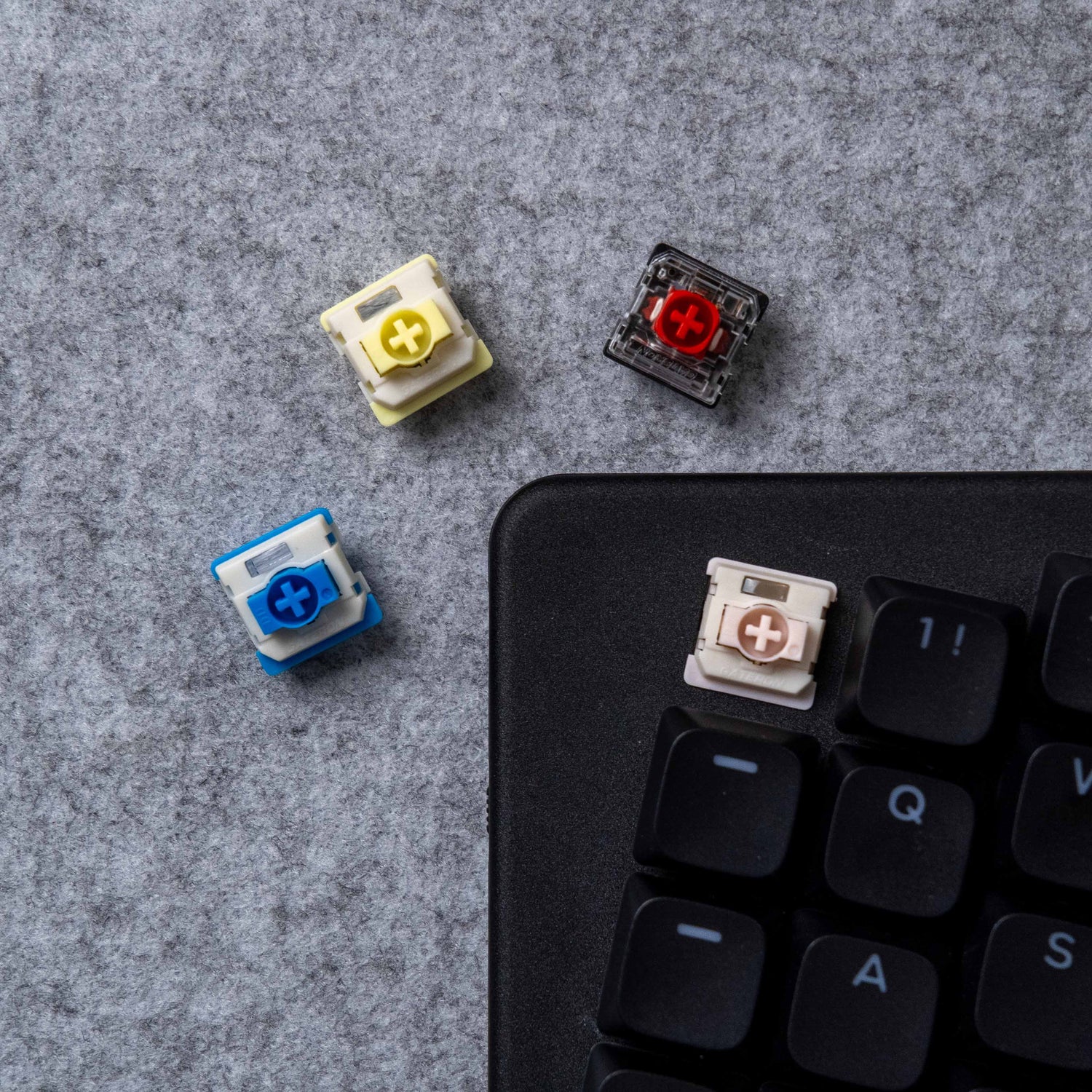
Switches
The Dygma Sonsei is a low profile hot-swappable keyboard, which means you can change your switches whenever you want.
However, there are many types of low-profile switches, so be aware when buying new ones. The Sonsei uses Gateron KS-33 V2 low-profile switches
Choosing the Right Low-Profile Switch for Your Keyboard

How to replace low-profile switches
-

1. Clip the switch
Low profile switches are clipped West to East.
-

2. Remove the switch
Don't pull straight up. It's best to "wiggle" it out.
-

3. Present the new switch
Make sure the pins underneath the switch are aligned with the holes in the socket.
-

4. Insert the switch
Press firmly downward. Sometimes it's easier if you also press on one side and then the other.


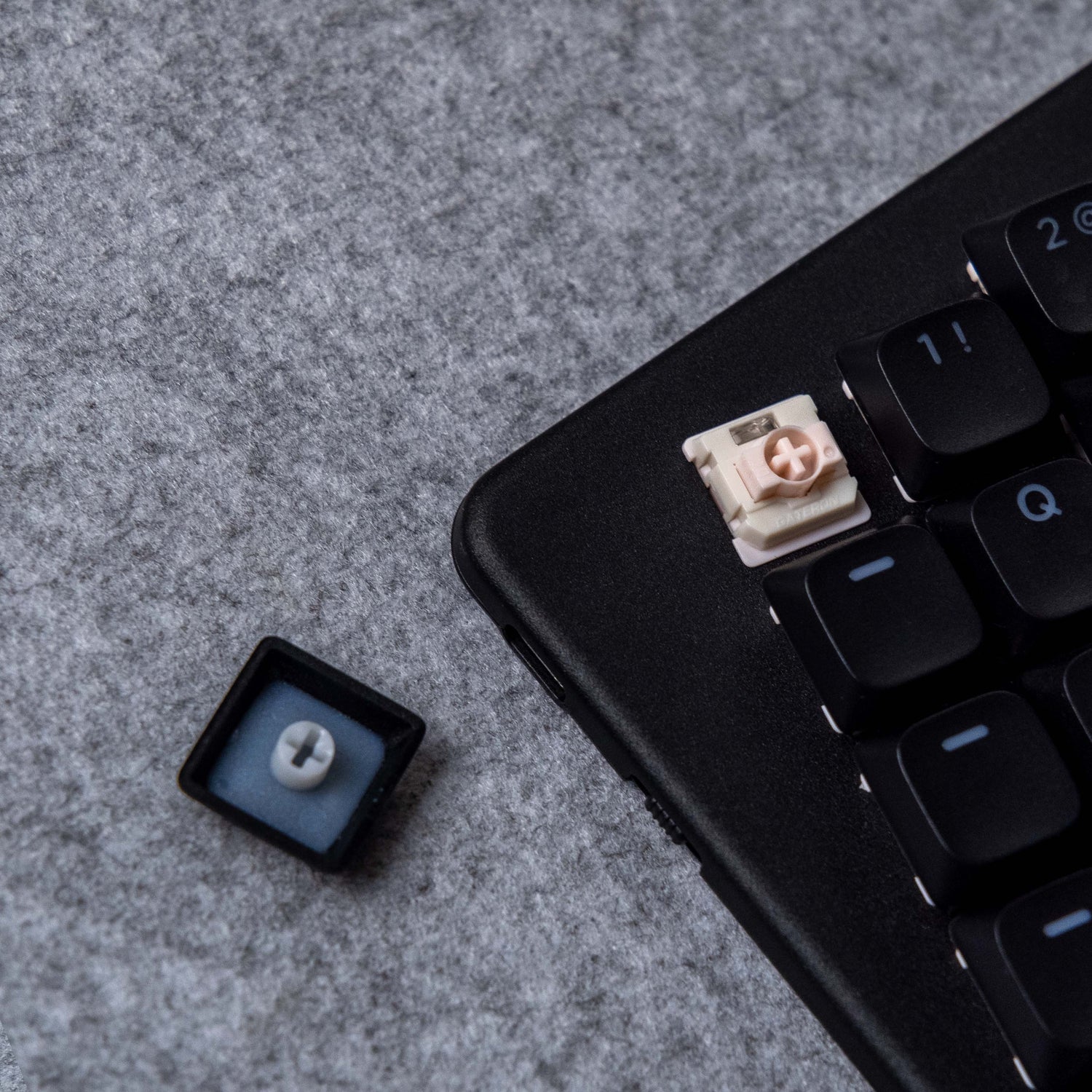
Keycaps
Keycaps come in all shapes and sizes, and it's important that you choose the right ones for your keyboard.
The Dygma Sonsei uses MX-stem low-profile keycaps.

Thumbkeys
The Dygma Sonsei has 8 custom thumbkeys (4 on each side), but we have designed it in a way that you can replace them with standard 1u keycaps.
That way, you can fully customize the look of your keyboard.
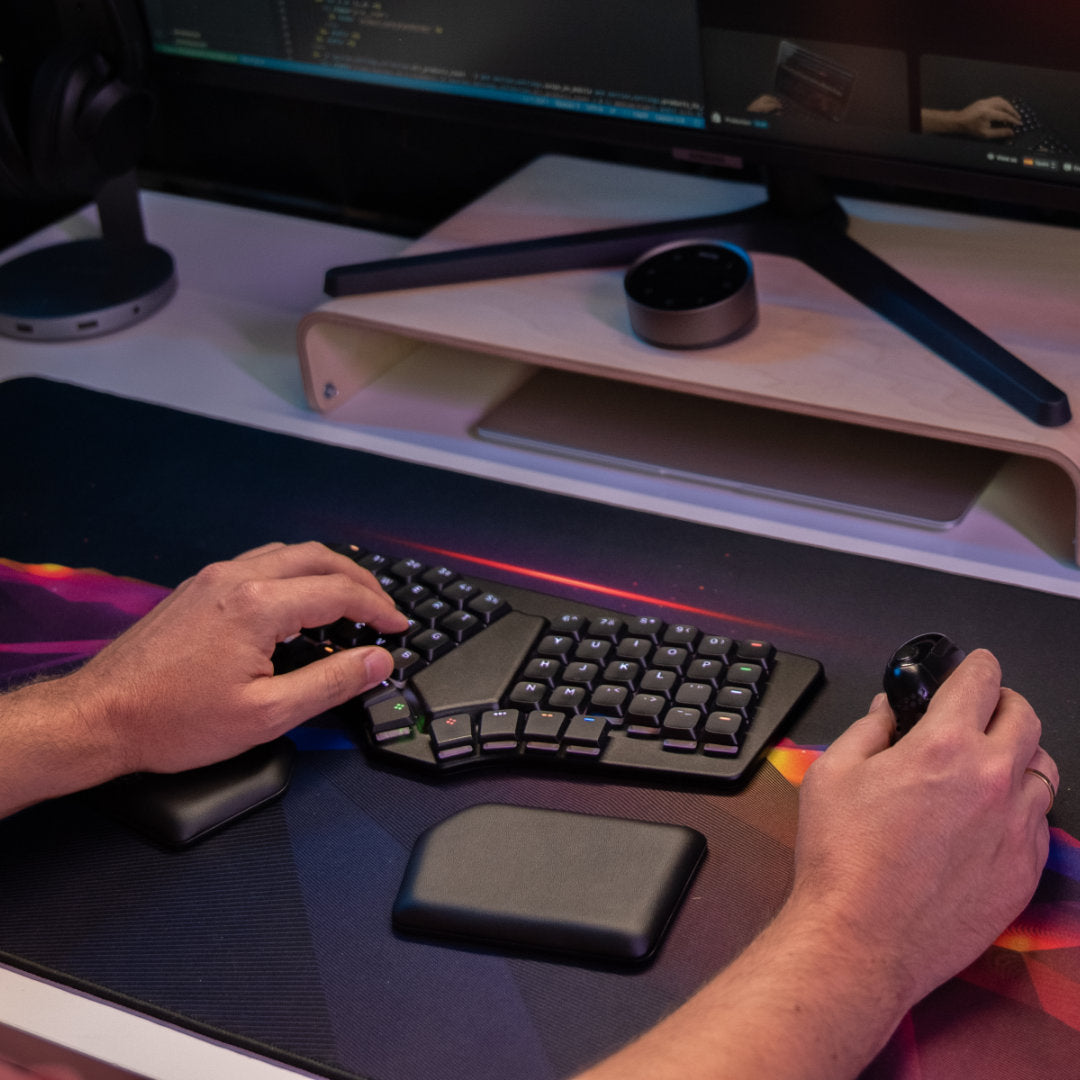
Palm Pads
If you want to get extra comfortable, you can complement your Sonsei with our plush palm pads.
They come with antislip rubber, so they don't move around on your desk.


Do you want to go back for more?
Ok, you asked for it. Don't complain later.